TikTok to MP3 Converter, Free
Paste a TikTok link and download its sound as an MP3 file in seconds. Free, in the browser, nothing to install.
Free: 3 posts or 1 profile a day after you sign in with Google. No card needed.
TikTok to MP3 saves the sound of a TikTok post as an MP3 audio file. Paste the link of a video, a photo slideshow or a profile, press Download, then Download MP3: you get the sound file TikTok itself plays, with nothing re-encoded. It is free, 3 downloads a day after signing in with Google.
Download TikTok audio as an MP3, free
The original sound, in seconds, with no app to install.
An MP3 in seconds
The original sound
Slideshows too
A whole profile at once
What people save TikTok sounds for
Your own sounds, or ones you have permission to use.
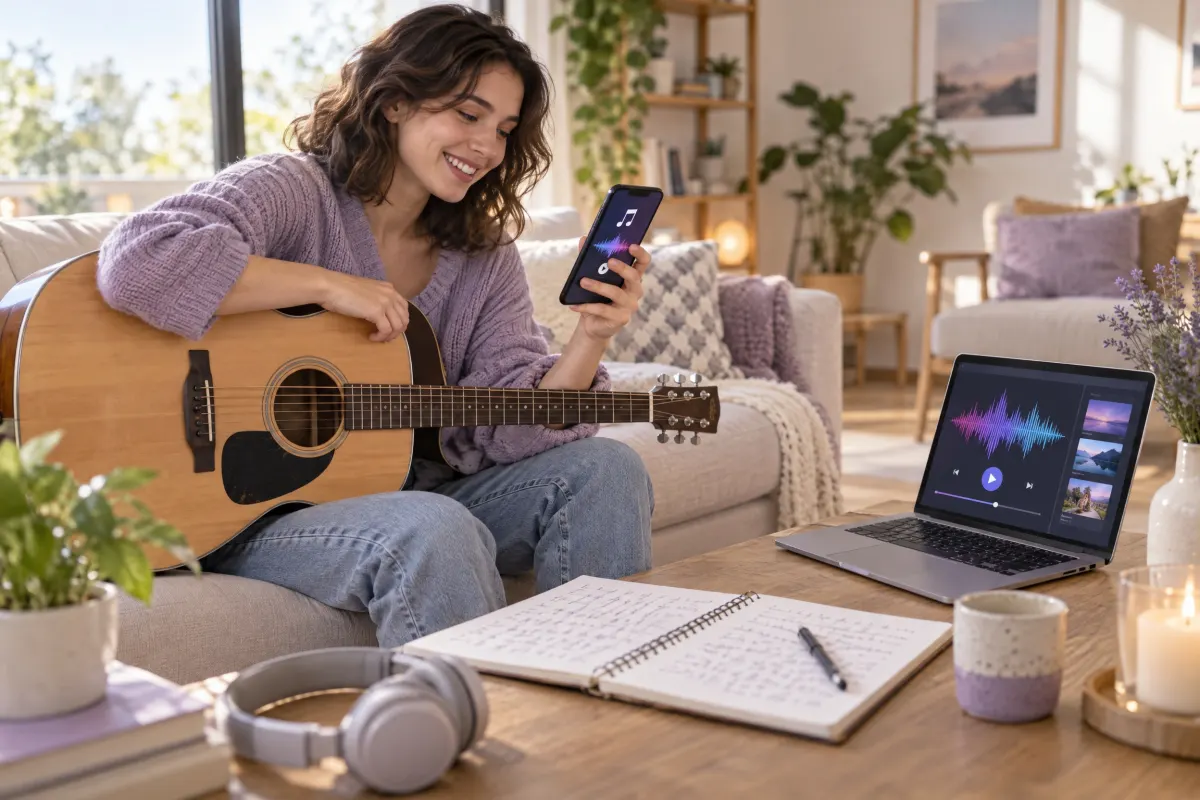
Musicians
Get the song you posted back as a file
Recorded a cover or a new idea straight into the TikTok camera and never kept the take? Paste your post's link and save its sound as an MP3 for your producer, a demo folder or your own archive.
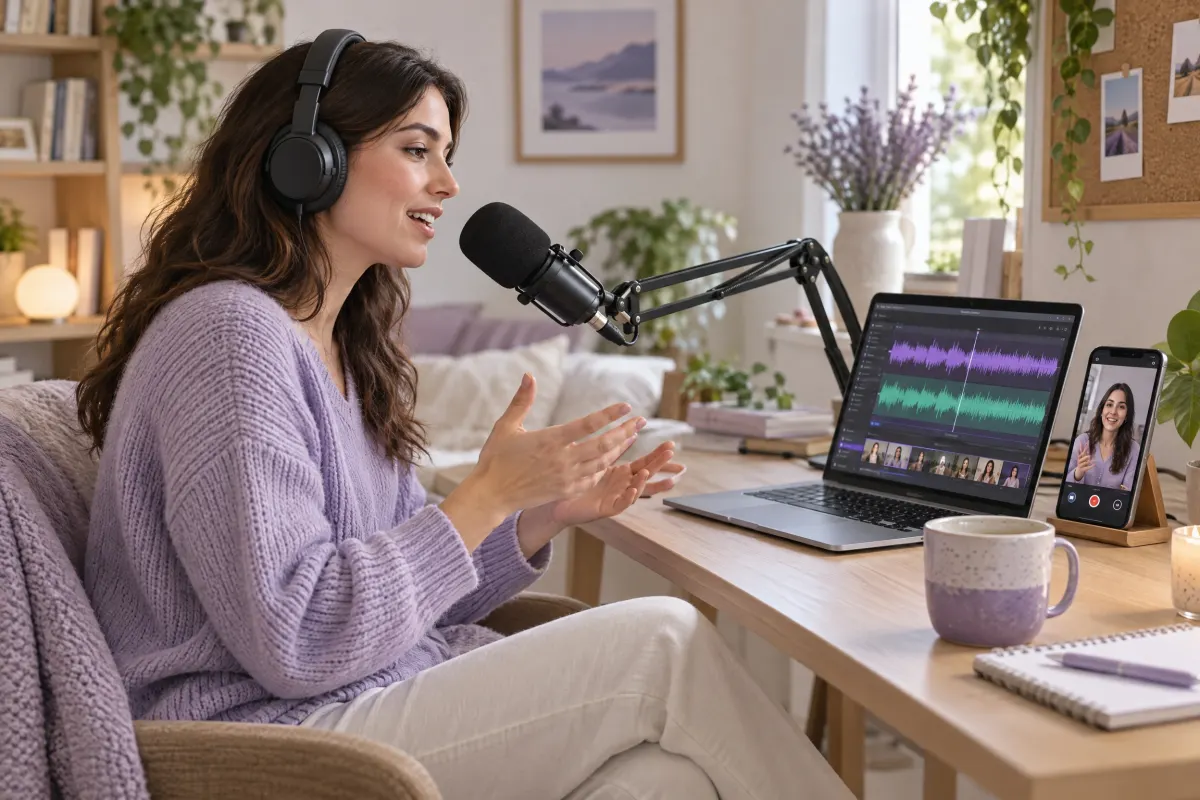
Podcasters
Reuse what you said on camera
A story you told in a TikTok can open a podcast episode or become a voice-over. Save your own post as an MP3 and drop it into any audio editor.
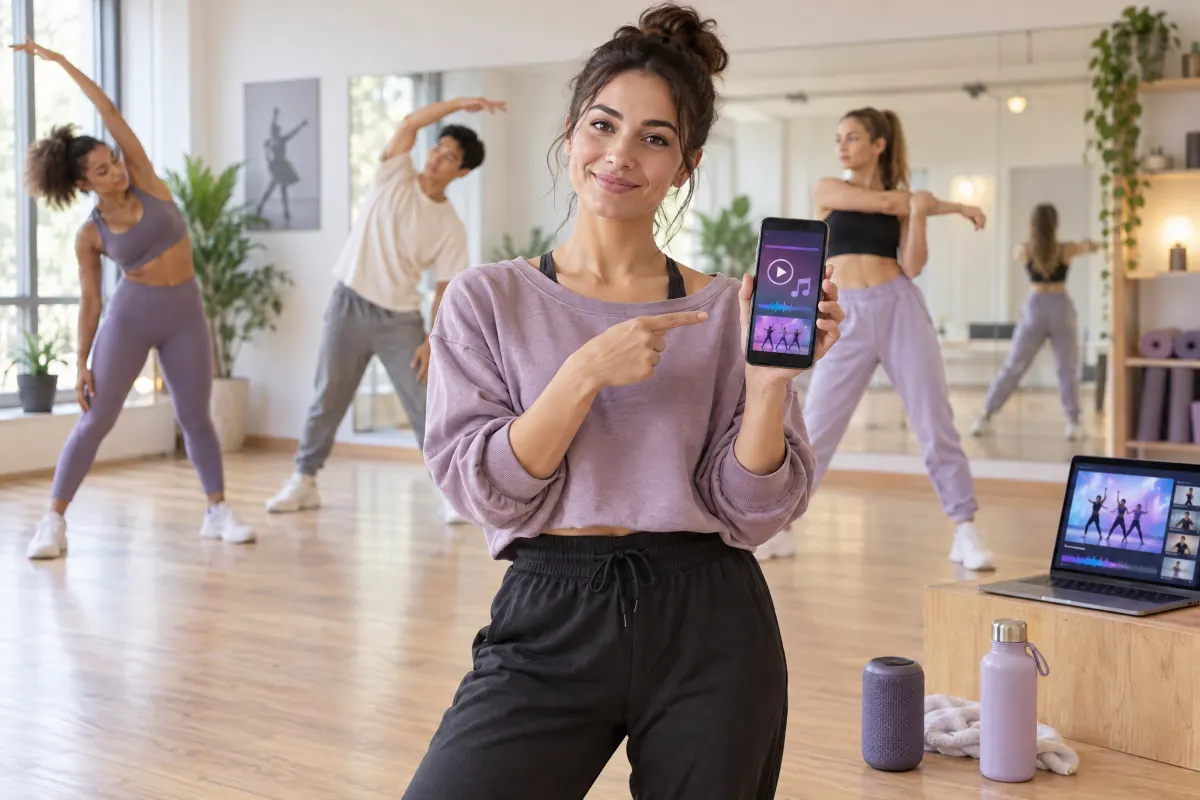
Dance and fitness teachers
Practise to the sound you made
Teaching a routine you created and posted with your own sound? Save it as an MP3 so the class practises to the same track and timing, even with no signal in the studio.
How to convert a TikTok to MP3
Three steps, on a phone or a computer.
1
Copy the TikTok link
In the TikTok app tap Share, then Copy link. On a computer, copy the address of the video, the slideshow or the profile.
2
Paste it and press Download
Short links like vm.tiktok.com work too. It usually takes a few seconds.
3
Save the MP3
On a computer, right-click Download MP3 and choose Save link as. On a phone, press and hold it and choose Download Linked File (iPhone) or Download link (Android).
TikTok to MP3 at a glance
Checked October 19, 2026
- Works with
- Public TikTok videos, photo slideshows and profiles, and vm.tiktok.com and vt.tiktok.com short links
- What you get
- The post’s sound as an MP3 file, the one TikTok itself plays. The video without the TikTok watermark and the slideshow images are there too
- Quality
- As TikTok stores the sound; nothing is converted or re-compressed
- Free
- 3 posts a day, or 1 profile page, after you sign in with Google. No card needed. Failed attempts are not counted
- Speed
- Usually a few seconds per link
- Privacy
- Files are not copied to our servers: each button opens TikTok’s own file, and the links stop working after a few hours
- Not supported
- Sound pages (tiktok.com/music/…), private or deleted posts, live streams, and other sites
Want the video instead?
The TikTok downloader puts the MP4 without the TikTok watermark first, in its original quality, with the sound one click away.
Download TikTok videosWhen this is not the right tool
It is not your sound
You have a sound page link
You want a higher bitrate
You need hundreds of sounds
TikTok to MP3 FAQ
How do I convert a TikTok to MP3?
Copy the TikTok link, paste it into VideoTextRemover's TikTok to MP3 tool and press Download, then Download MP3. The sound opens as an MP3 file you can save, free for 3 downloads a day after signing in with Google.
Is this TikTok to MP3 converter free?
Yes. Every account gets 3 free downloads a day after signing in with Google, with no card. A failed attempt does not use one. After that, each download uses 1 second of credit.
Is the MP3 the same quality as on TikTok?
Yes. TikTok already keeps each sound as an MP3 file, and that file is what you download, so nothing is converted or re-compressed on the way.
Can I get a 320 kbps MP3?
Only if TikTok stored the sound that way. The file you get is TikTok’s own; re-encoding it at 320 kbps would make it bigger without making it sound any better.
Can I download the sound of a TikTok slideshow?
Yes. Paste the link of the photo post and press Download MP3 to save its sound. The Image buttons save each picture.
How do I download a sound from its TikTok sound page?
Not from the tiktok.com/music/… page itself. Open any video that uses the sound, copy that video’s link and paste it here.
Can I save the sounds of a whole TikTok profile?
Yes, from the latest page of a public profile: paste the profile link (tiktok.com/@name) and every post gets its own MP3 button. A profile uses 3 of the day's downloads.
How do I save the MP3 on iPhone or Android?
Press and hold the Download MP3 button and choose Download Linked File on iPhone, where it goes to Files, then Downloads, or Download link on Android. On a computer, right-click it and choose Save link as.
Can I download the TikTok video as well?
Yes. Every result also has a Video button that saves the MP4 without the TikTok watermark. For videos, the TikTok downloader puts that button first.
Is it legal to convert TikTok to MP3?
Save only your own sounds, or sounds you have permission to use, and follow TikTok’s terms and copyright law. Songs in TikTok’s sound library belong to their artists and labels, and being able to use them on TikTok does not let you reuse them elsewhere.